Network & Remote Access
This page documents the Tailscale remote-access setup completed for the Raspberry Pi Nextcloud server. The goal was to enable secure access from outside the home network without opening public inbound ports.
📅 Day 3 Progress — Tailscale Setup
✅ Completed today
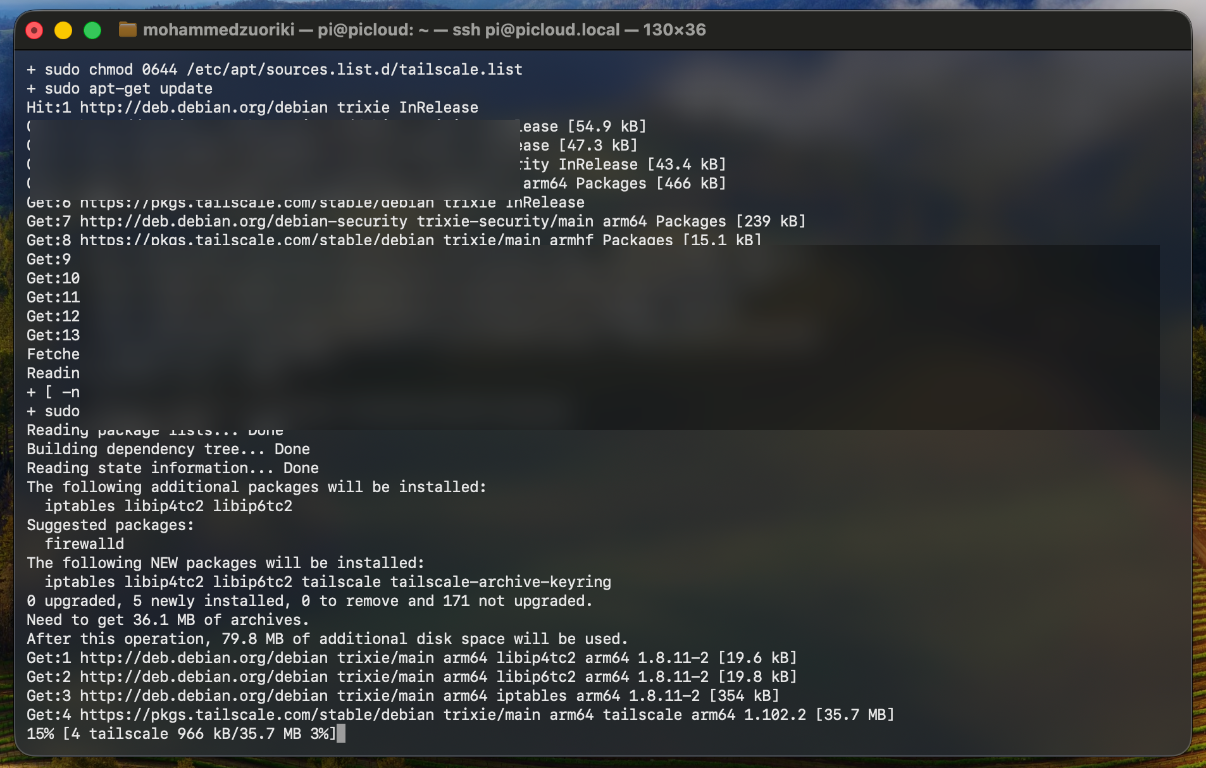
- Installed Tailscale on the Raspberry Pi using the official Linux installer
- Brought the Pi online in the Tailnet and completed browser authentication
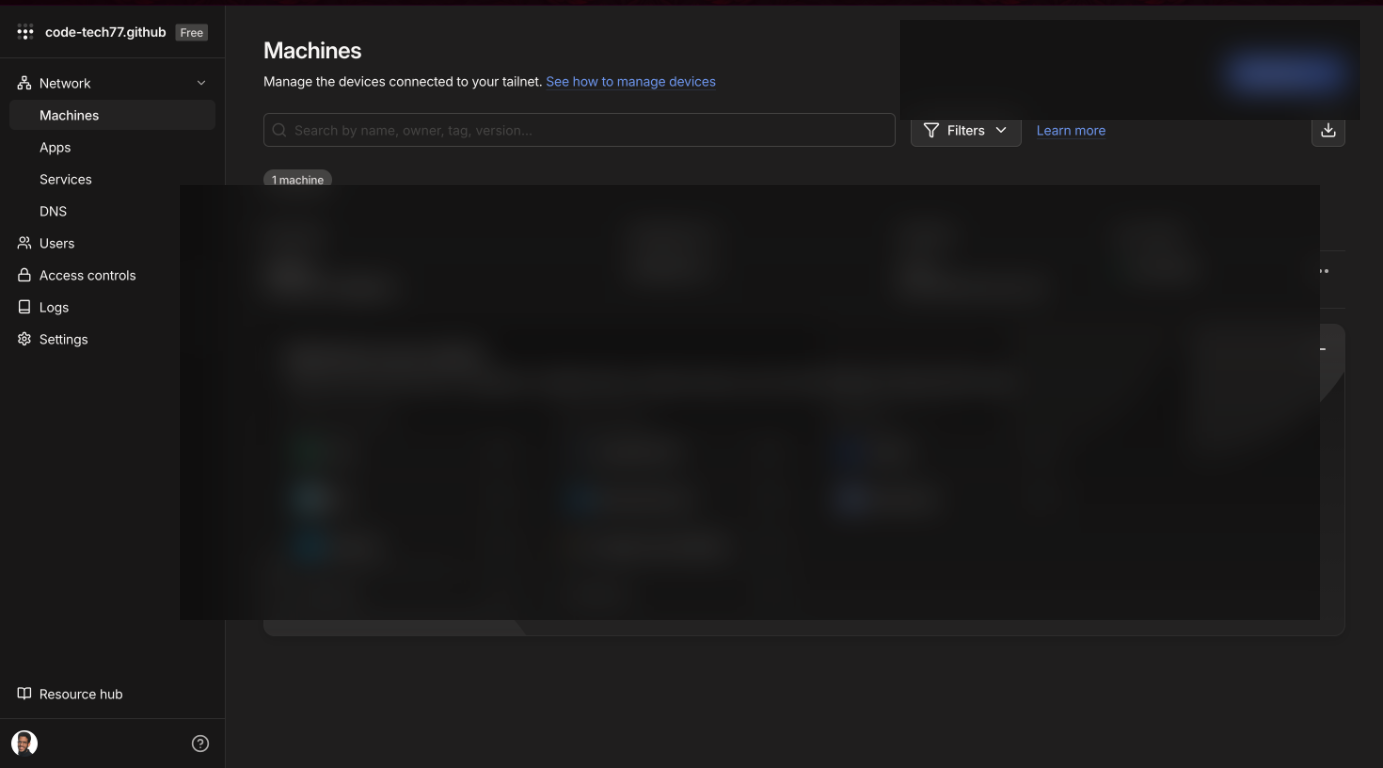
- Verified that the Pi appears in the Tailscale dashboard
- Confirmed assignment of both Tailscale IP and MagicDNS hostname
- Updated Nextcloud trusted domains to allow access over Tailscale DNS/IP
- Verified successful mobile access from a separate network (personal hotspot)
🔗 Resource used today:
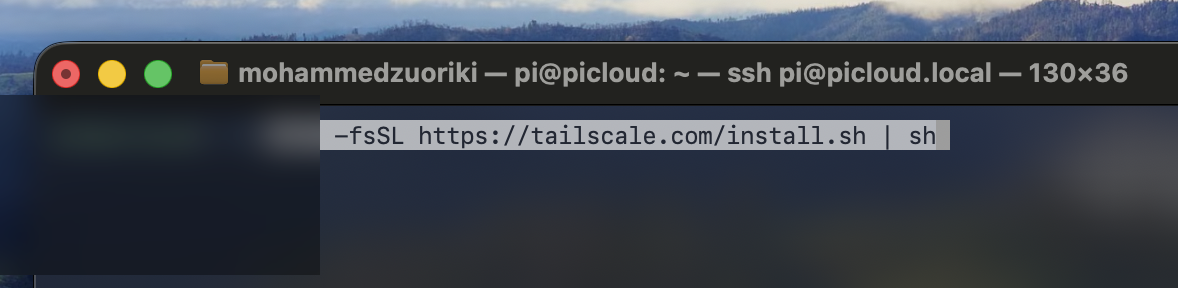
1️⃣ Install Tailscale on the Pi
Using the official Linux install resource:
curl -fsSL https://tailscale.com/install.sh | sh
2️⃣ Connect the Pi to your Tailnet
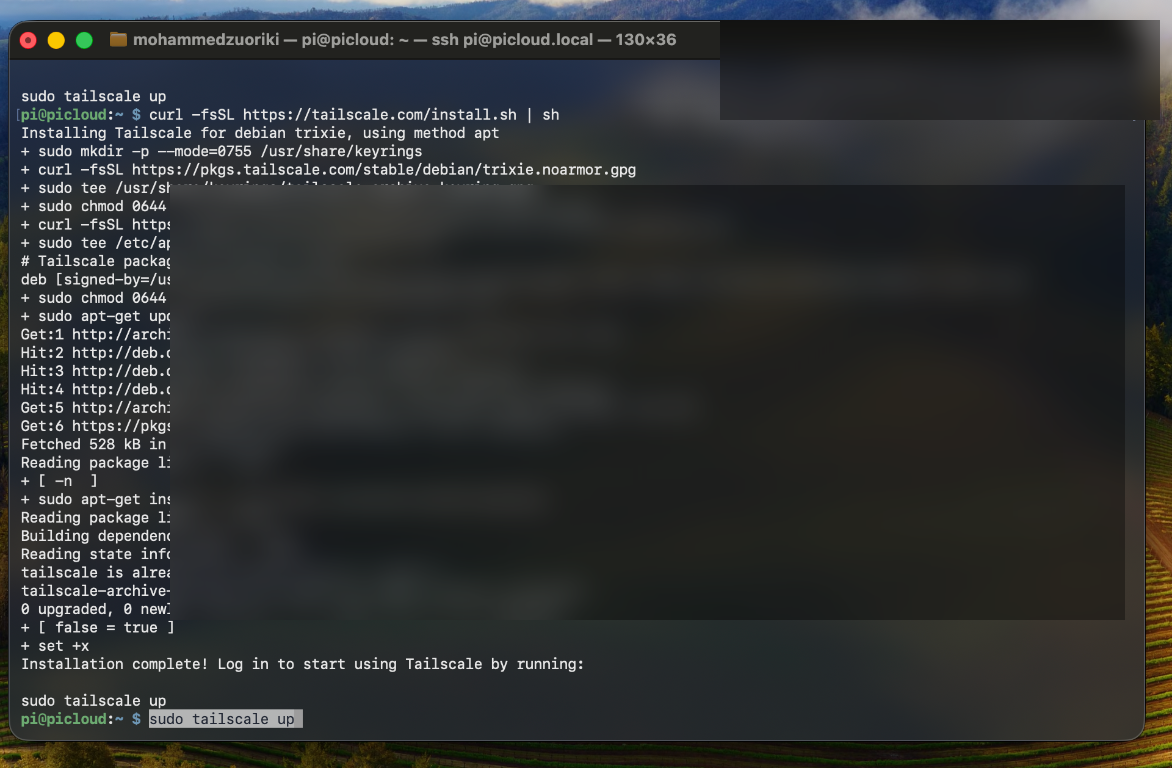
Bring the node online and request login:
sudo tailscale up
This command returns an authentication URL. Open it in a browser, sign in with your Tailscale account, and approve the device.
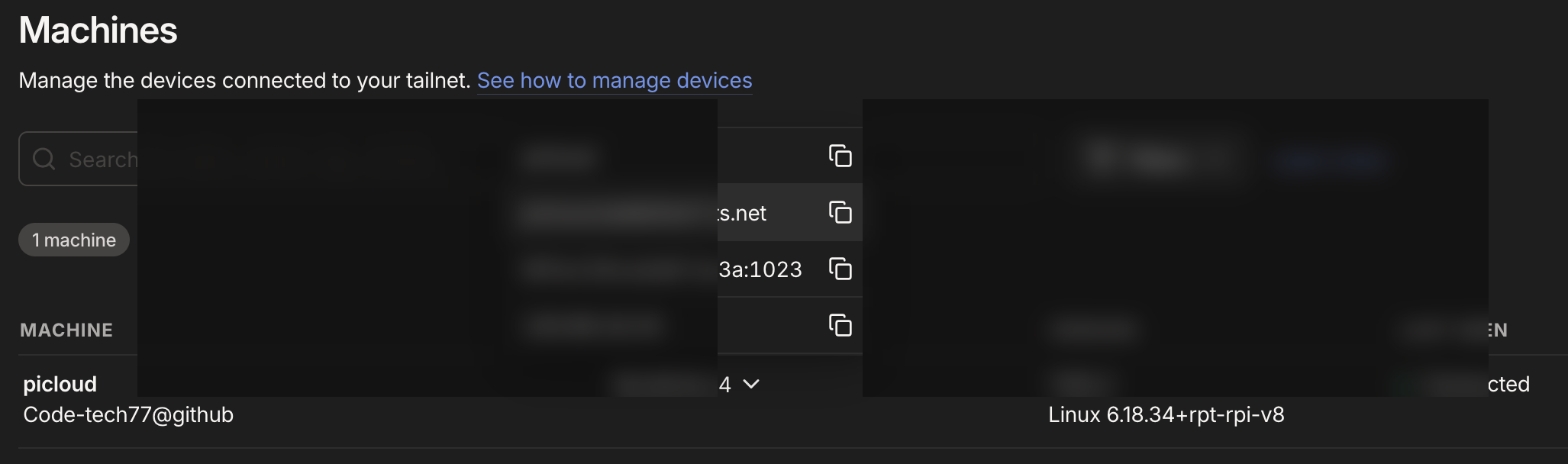
3️⃣ Verify the Pi in the Tailscale dashboard
After approval, the Raspberry Pi should appear as connected in the Tailscale dashboard.
Expected values:
- Tailscale IPv4 (typically in
100.x.x.xrange) - MagicDNS hostname (for example,
pi-server.your-tailnet.ts.net)
🔒 Redact sensitive values before publishing screenshots
Blur or black out private details in screenshots before committing documentation: - Tailscale IP addresses - MagicDNS hostnames / Tailnet identifiers - Account email or profile details
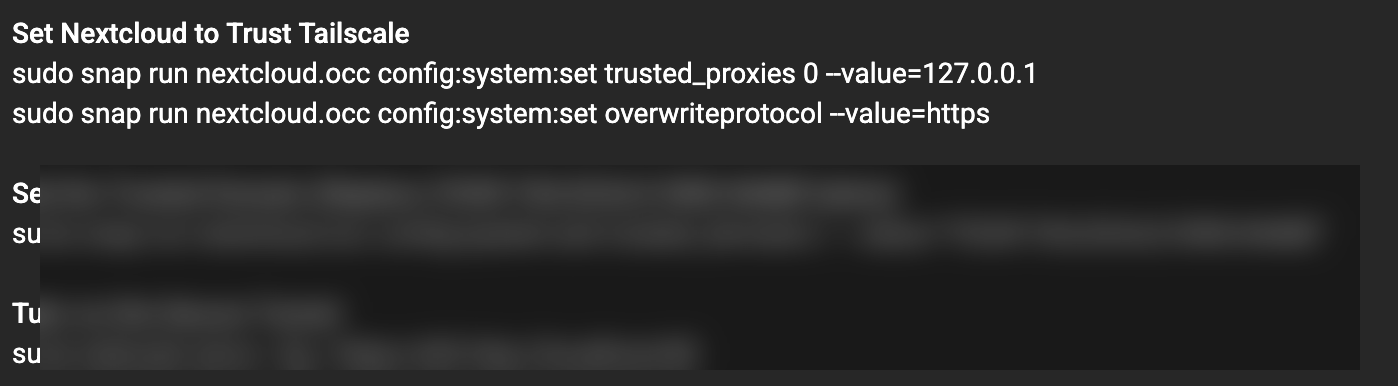
4️⃣ Add Tailscale addresses to Nextcloud trusted domains
To prevent Access through untrusted domain errors, add your Tailscale address details to Nextcloud's trusted domain list.
Replace placeholders with your own values:
sudo nextcloud.occ config:system:set trusted_domains 1 --value="<YOUR-TAILSCALE-IP>"
sudo nextcloud.occ config:system:set trusted_domains 2 --value="<YOUR-MAGICDNS-HOSTNAME>"
To verify current entries:
sudo nextcloud.occ config:system:get trusted_domains
Example format only (do not copy directly):
sudo nextcloud.occ config:system:set trusted_domains 1 --value="100.64.0.10"
sudo nextcloud.occ config:system:set trusted_domains 2 --value="pi-server.example-tailnet.ts.net"
5️⃣ Validate DNS + remote access from mobile
Remote access was tested end-to-end on a mobile device:
- Installing the Tailscale app
- Installing the Nextcloud app
- Logging into Tailscale with the same account used for the Pi
- Connecting the phone to a different network (personal hotspot)
- Logging into Nextcloud using the Pi's Tailscale DNS/IP
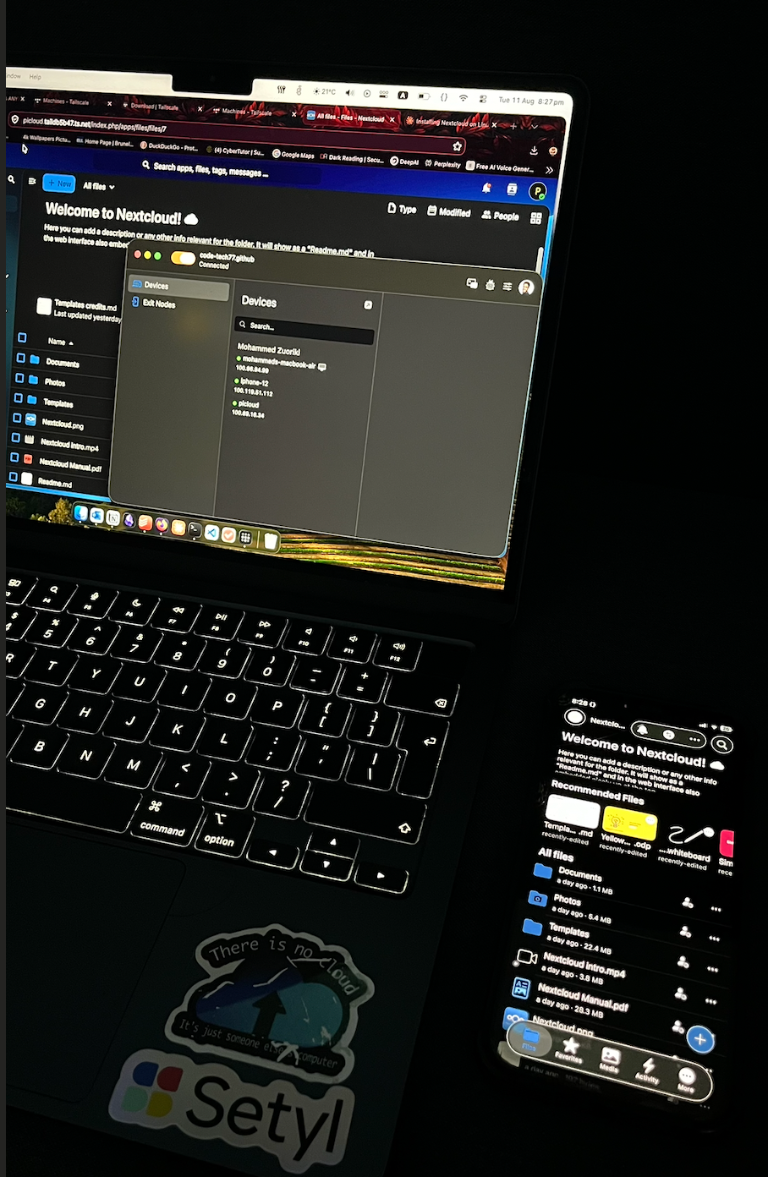
✅ Result: mobile login was successful, and the Pi-hosted Nextcloud instance remained reachable even when the phone was off home Wi-Fi and connected through a personal hotspot.
Why this matters
This validates secure, encrypted, identity-based remote access via Tailscale without exposing Nextcloud directly to the public internet.