Nextcloud Deployment
This page documents the first working deployment of Nextcloud on the Raspberry Pi after base installation and SSD boot setup.
📅 Day 2 Progress — Nextcloud First Deployment
✅ Completed today
- Installed
snapd - Installed Nextcloud via Snap
- Verified the Pi's local network address
- Opened the first-run Nextcloud setup page in browser
- Created the admin account and reached the Nextcloud dashboard
🔗 Resource used today:
1️⃣ Install snapd
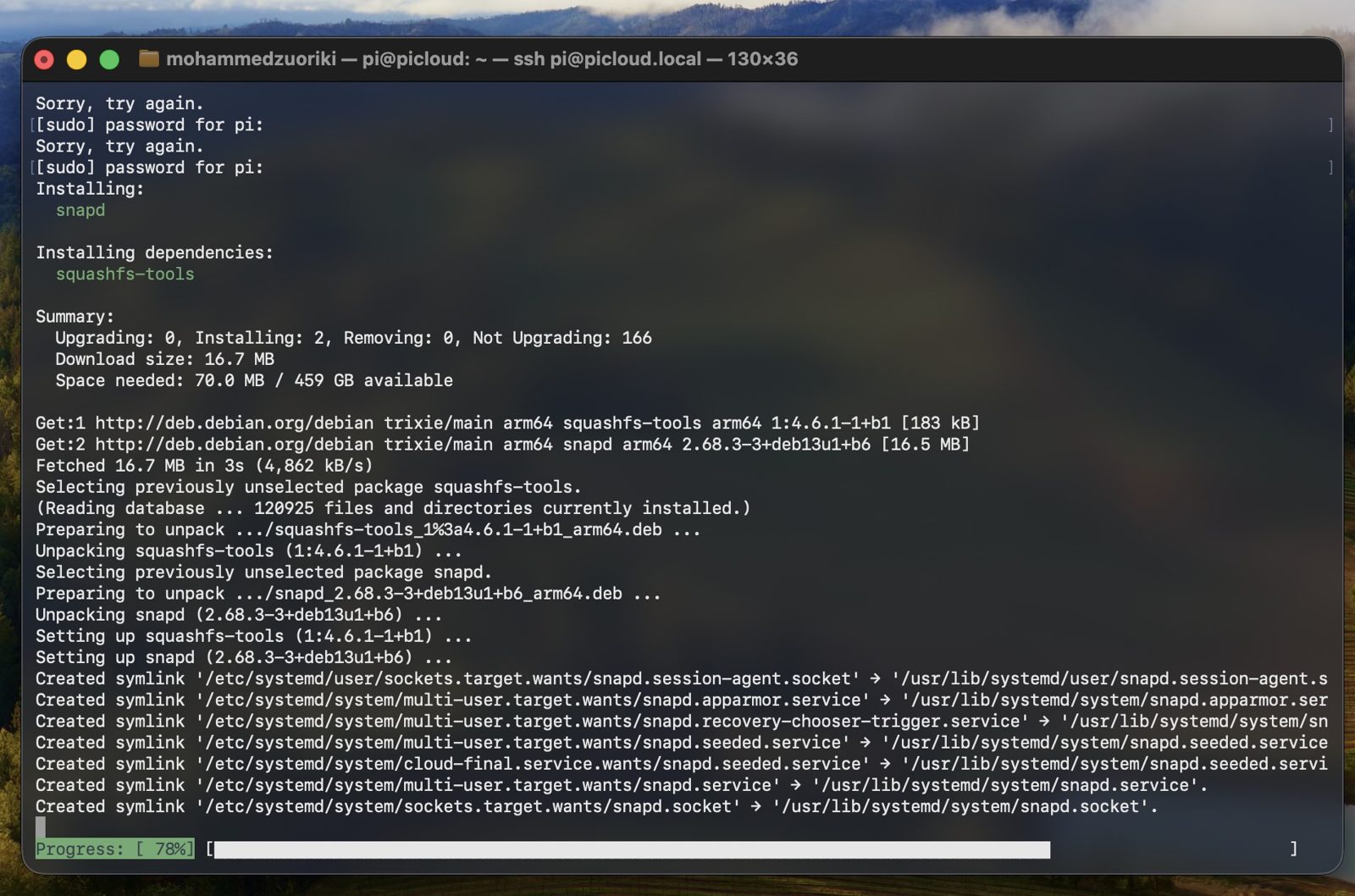
Nextcloud on Raspberry Pi OS was installed via Snap, so snapd was installed first:
sudo apt install snapd -y

2️⃣ Install Nextcloud via Snap
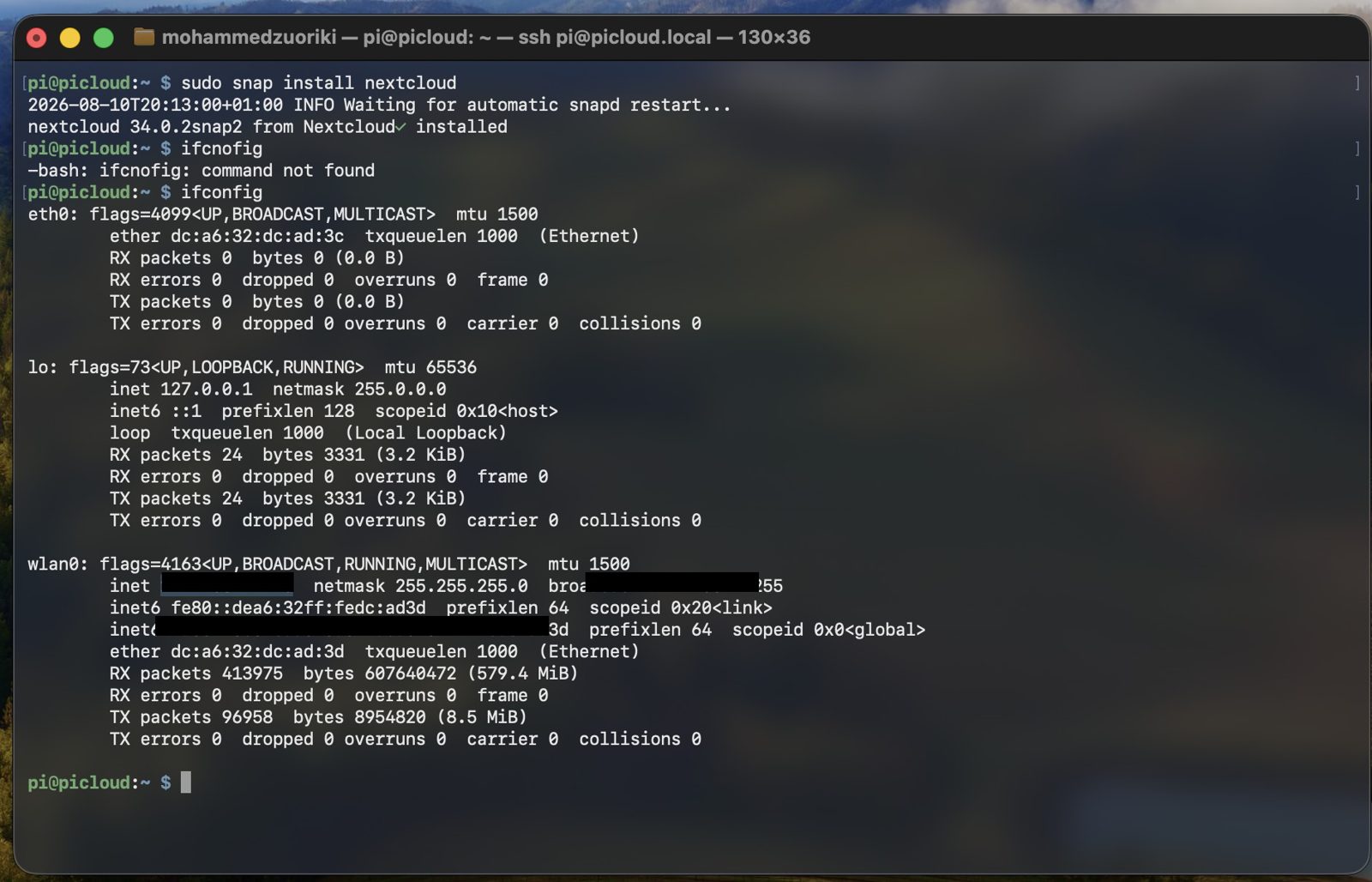
sudo snap install nextcloud

The install completed successfully (Nextcloud 34.0.2snap2 in this run).
3️⃣ Find the Pi address on the local network
To access the setup page from a browser:
ifconfig
If ifconfig is not available on your system, use:
ip addr
🔒 Privacy note
Keep local/global IP addresses redacted in screenshots before publishing.
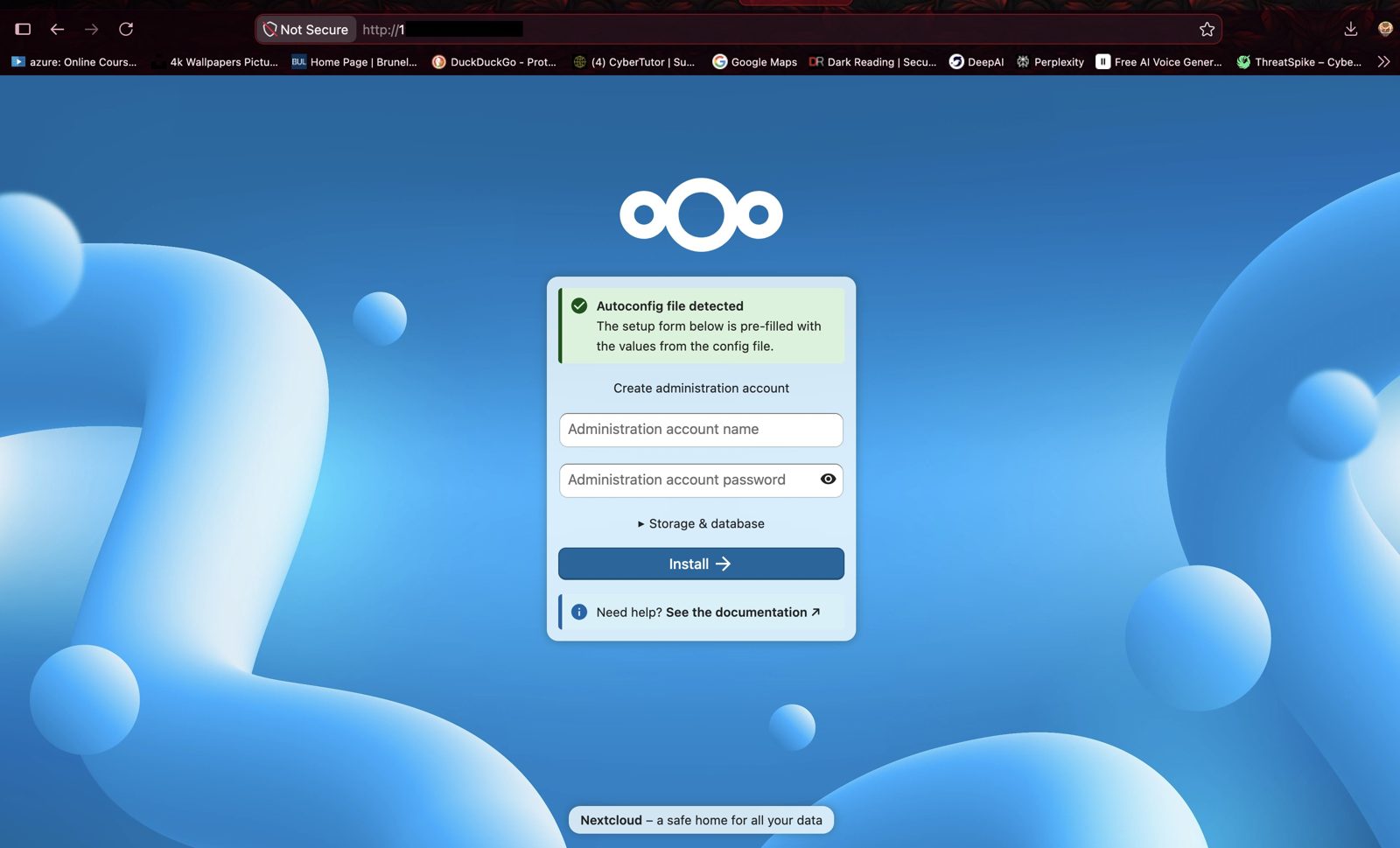
4️⃣ Complete first-run setup in browser
Open:
http://<pi-local-ip>
This loads the initial Nextcloud setup page where you create the administrator account.
After submitting the form, Nextcloud completes initialization and opens the dashboard:
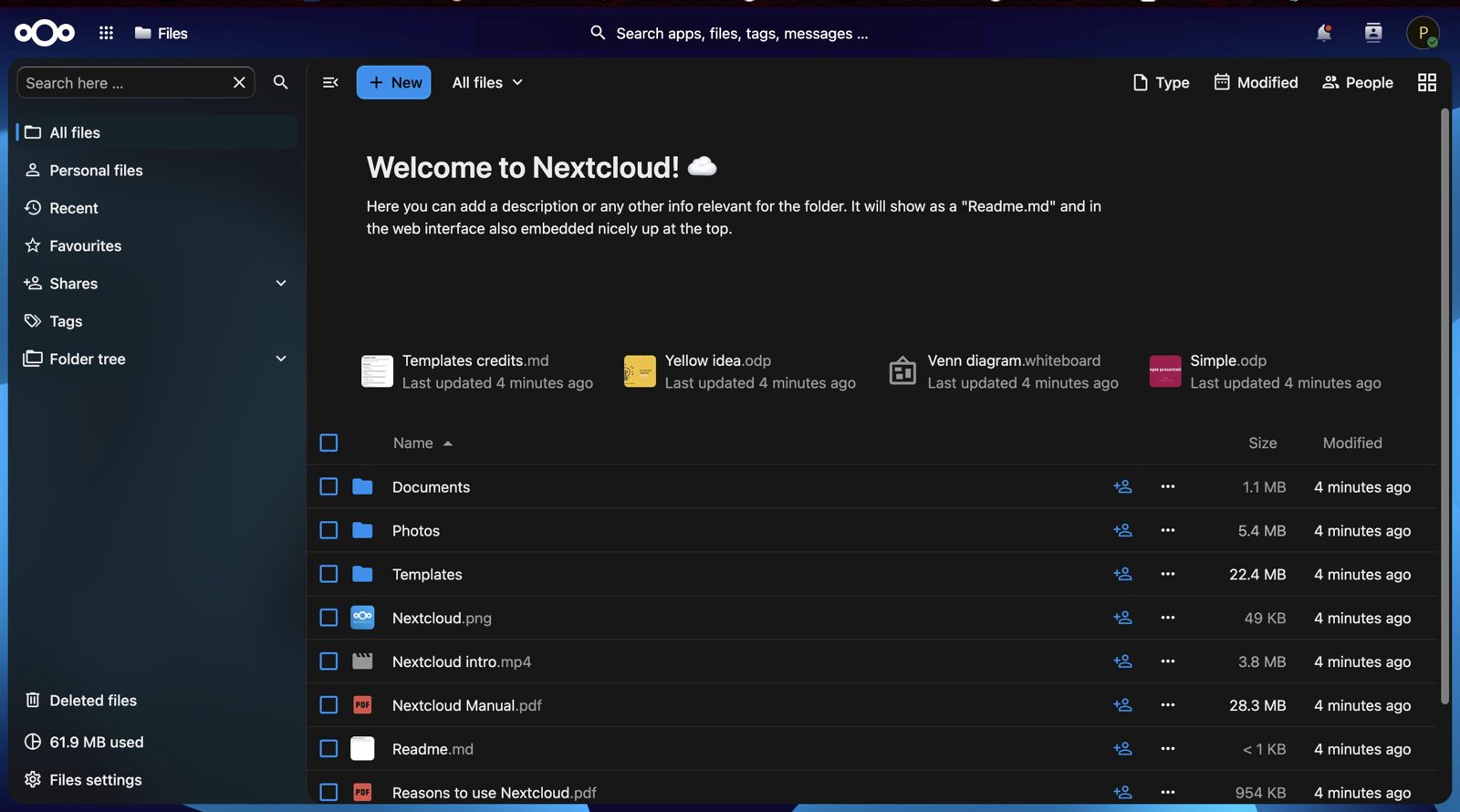
✅ Result: a working self-hosted Nextcloud instance on the Raspberry Pi, reachable on the local network.